Scan cookbook recipes
Use the recipe scanner to turn cookbook pages, printed recipes and meal-kit cards into editable meal ideas.
Free to start · Premium £4.99/year
Scan cookbook recipes from photos, import recipes from websites, organise saved meals, plan the household's week and build one shared shopping list from one Android app.
Everything connected
Use the recipe scanner to turn cookbook pages, printed recipes and meal-kit cards into editable meal ideas.
Import recipes from websites and save the title, ingredients, method and nutrition where the page provides it.
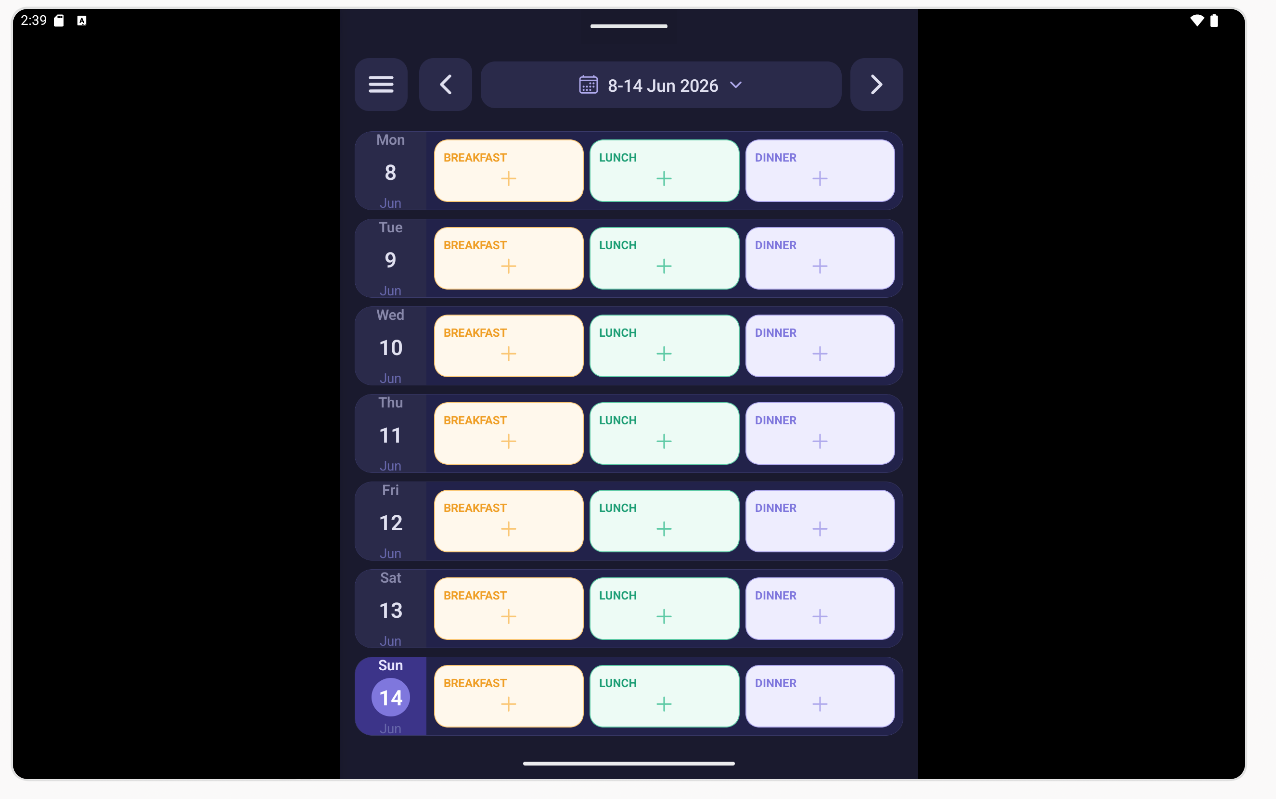
Give each date its own breakfast, lunch or dinner layout for a clearer weekly meal planner.
Add recipe ingredients, combine quantities and check items off in a shared shopping list.
Use Meal Planner as a family meal planning app with roles for parents, teenagers and children.
Keep nutrition with recipes when it is available from scans or imports.
Recipe scanner
Meal Planner is designed to scan cookbook recipes, meal-kit cards, screenshots and printed recipes. It can extract the recipe title, ingredients, cooking instructions and nutrition where available, then lets you review and edit before saving.
Browse your organised recipe collection.
Open an existing recipe or create a new one.
Choose one or multiple recipe pages from your gallery.
Meal Planner scans the selected pages and extracts recipe data.
Review exactly what was found before importing.
Ingredients, servings and measurements are automatically populated.
Step-by-step instructions are imported and ready to use.

How it works
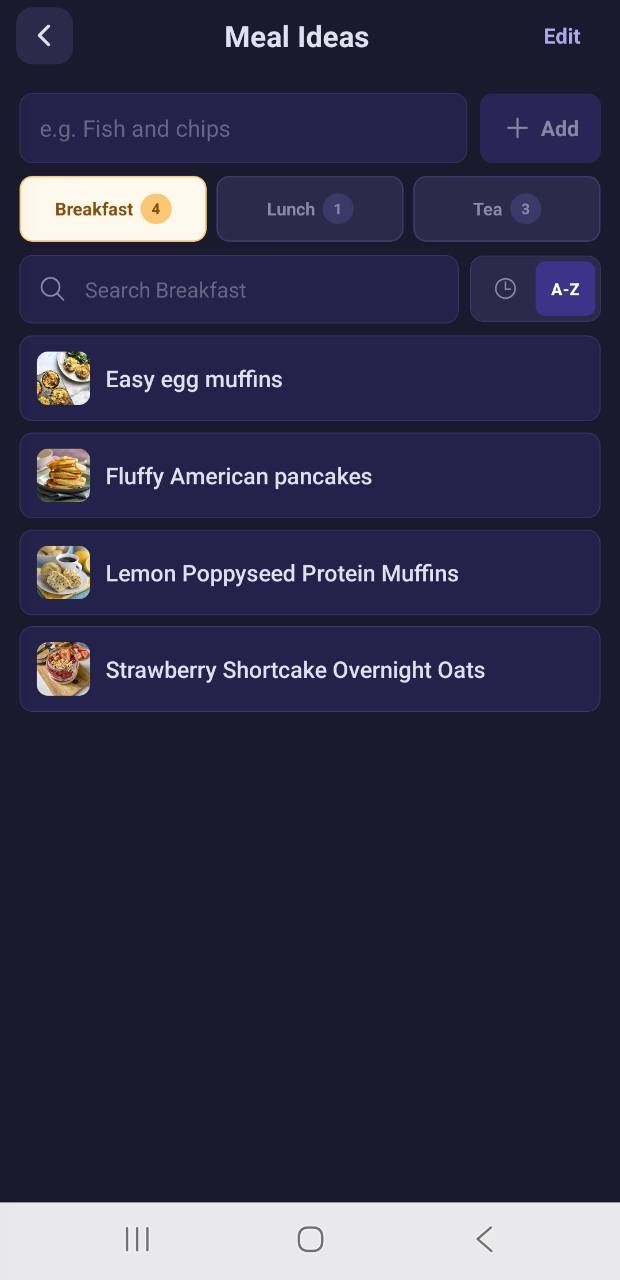
Keep meal ideas in a recipe organiser so they are easy to find later.
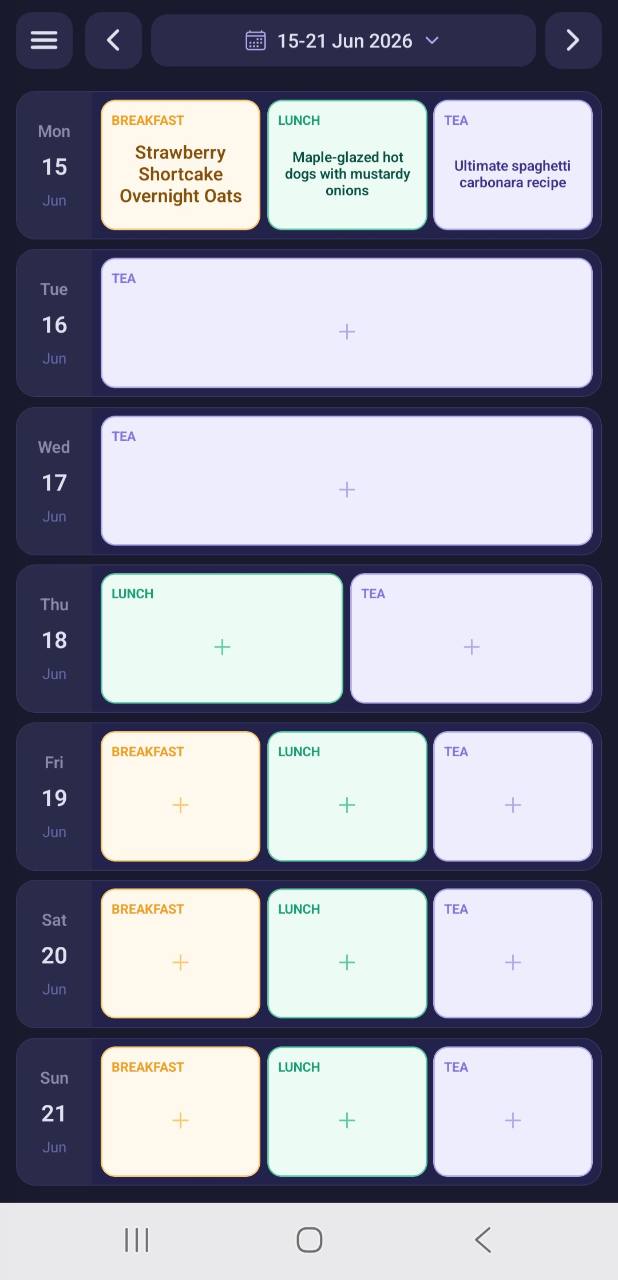
Choose what goes on each date without changing every future week.
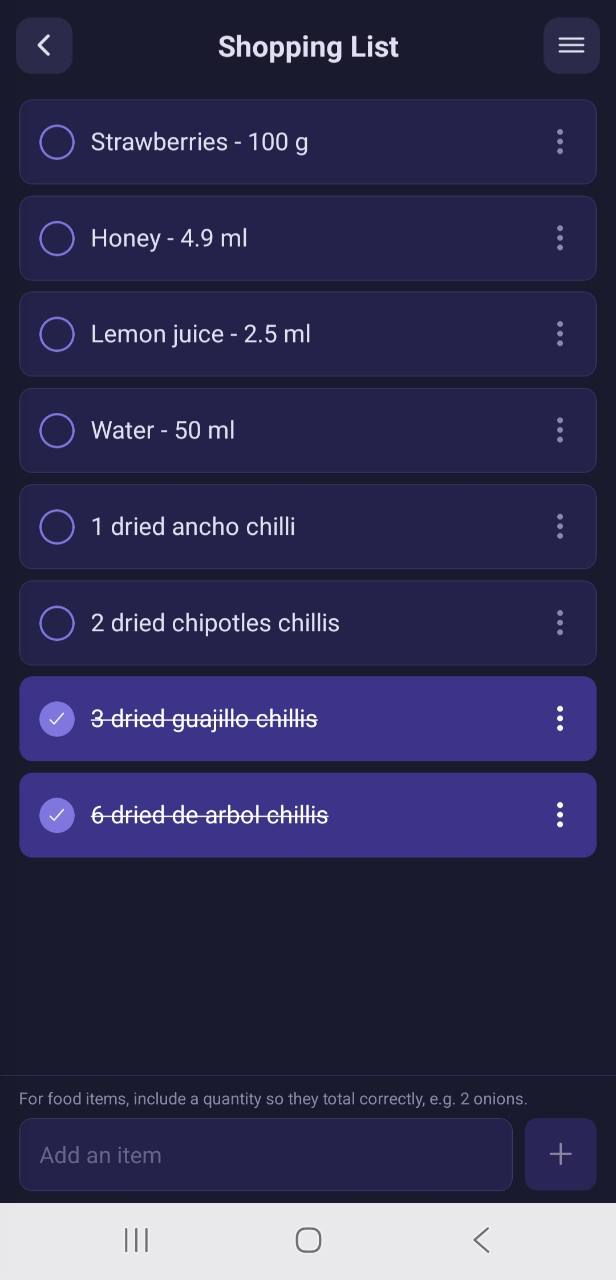
Send ingredients to the shared shopping list and tick them off in store.
For real households
Parents can manage meals and shopping. Teenagers can contribute. Children get a simpler controlled experience. Family voting helps turn suggestions into planned meals, keeping everyone working from the same family meal planner.
Manage the household planner, meal ideas and shared shopping list.
Add meal ideas, vote, react and help with the shopping list.
Use a simpler experience controlled by the family setup.
One Family Premium subscription removes ads for the household.
Pricing
Premium is yearly, covers the family and removes ads, including OCR scan adverts for Premium households.
£0
Family Premium
£4.99/year
Practical details
Meal Planner is built for Android and distributed through Google Play.
Sign in to sync supported data across your own devices and family group.
Privacy, support and account deletion routes are available from the app and website.
Scans are reviewable. You can always edit recipes, ingredients and methods manually.
Start with your next recipe, your next weekly plan or the shopping list you already need to make.
Get Meal Planner on Android